WRISTBAND TOPUP
YOUR WRISTBAND IS YOUR FESTIVAL WALLET
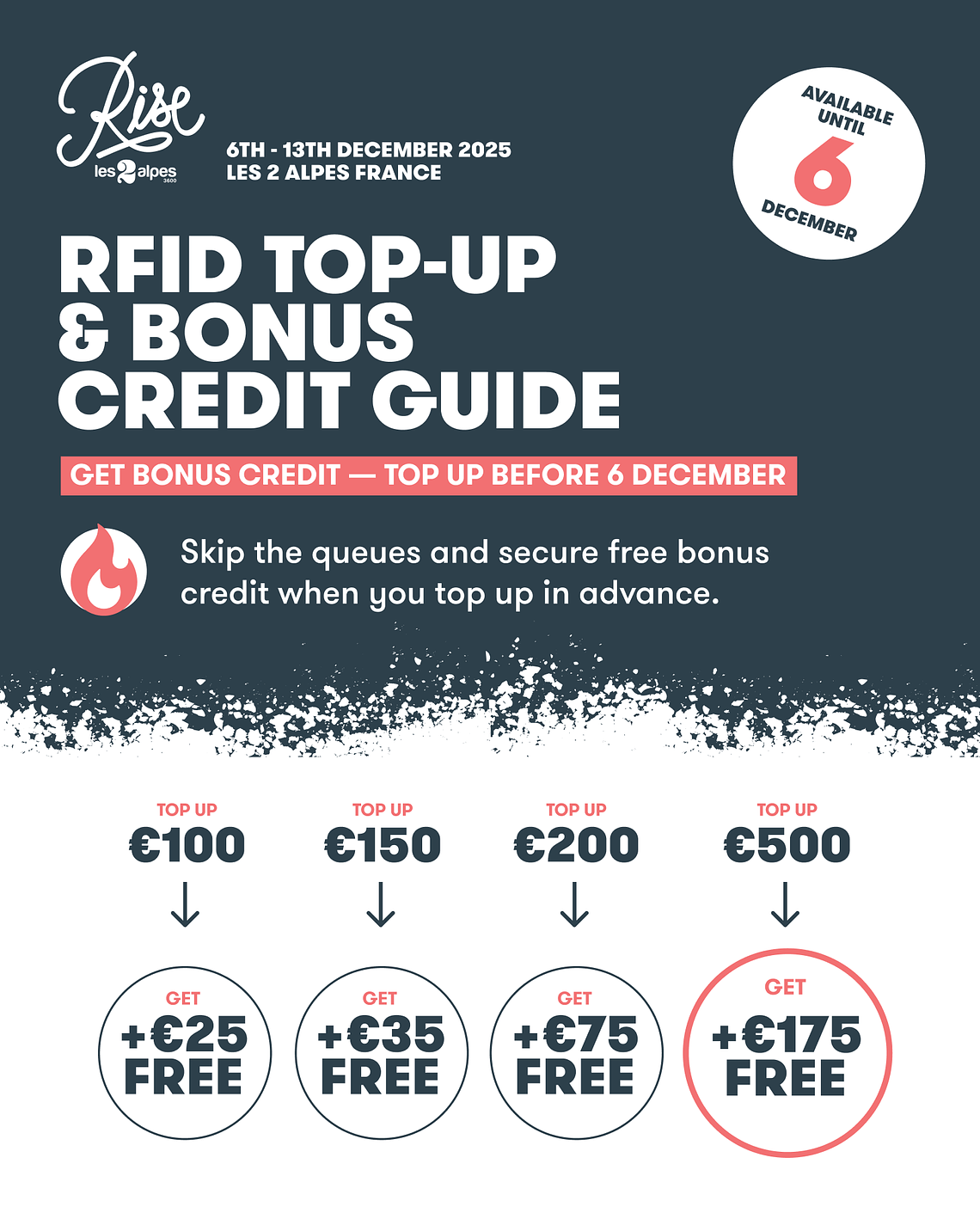
Top Up Early, Get Bonus Credit
HERE'S HOW
FAQs
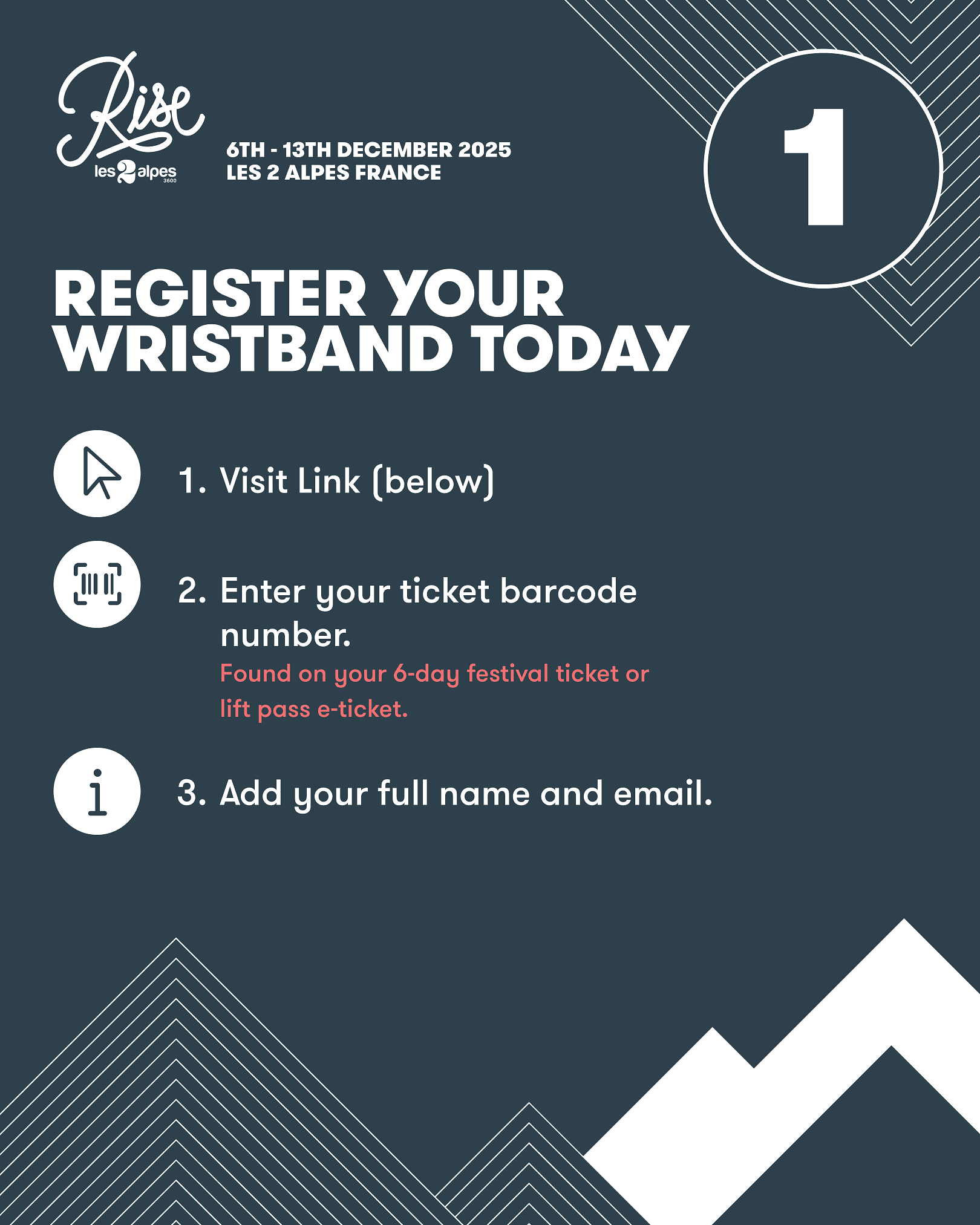
Step 1: Register Your Wristband using your 6-Day Festival ticket.
Enter your ticket QR/ barcode number. This can be found in the on your main 6-day festival ticket PDF, below the QR code (e.g: cb12615d-79e4-4bab-bb6c-6c4d87d6068b). If you're traveling in a group, double check you're using the ticket barcode under your name.
Provide your name, email, and phone number (if required).
Step 2: Add Funds
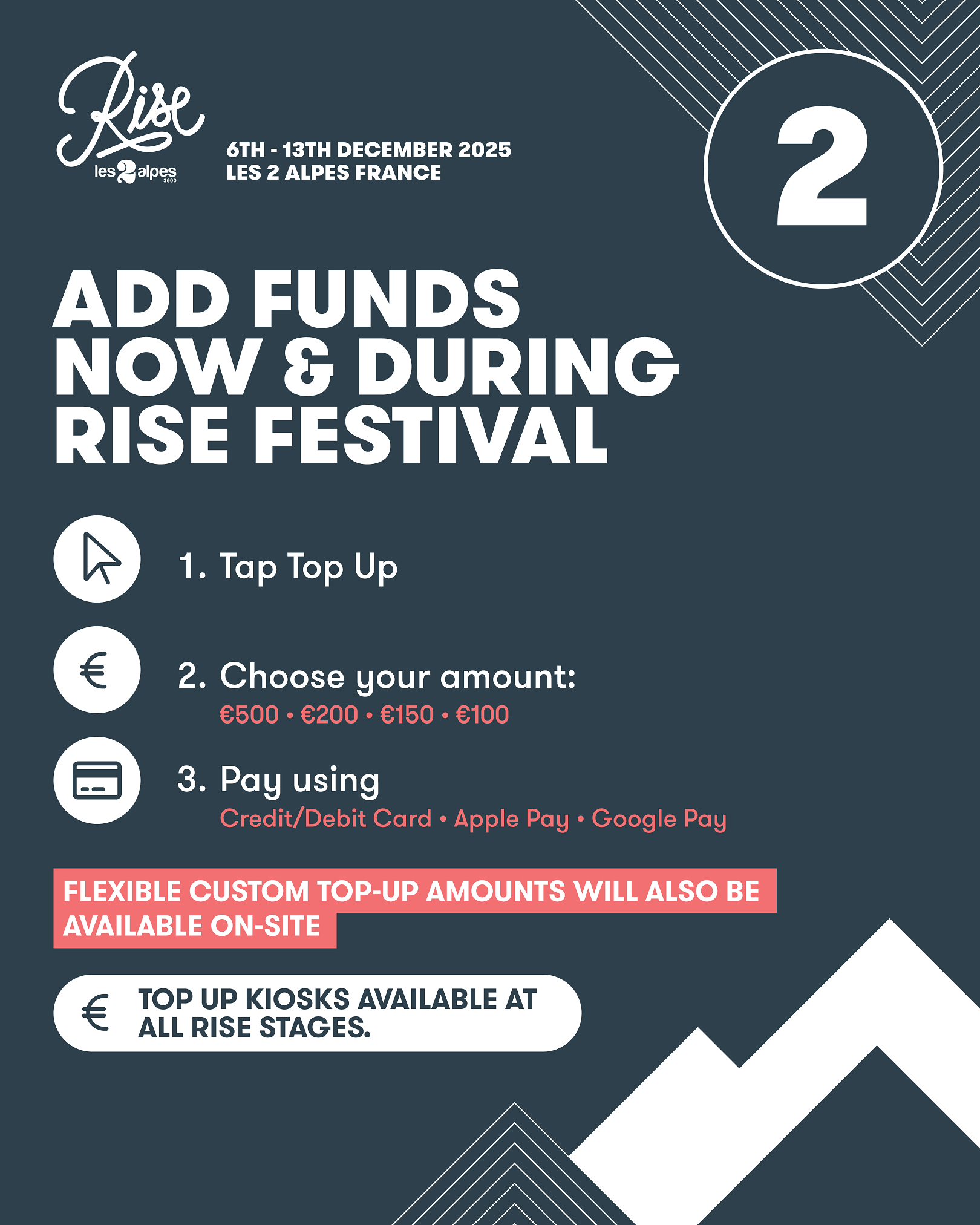
Tap “Top Up” after logging in
Choose your top-up amount from €500 • €200 • €150 • €100
Select your payment method:
Credit/Debit Card
Apple Pay / Google Pay
Flexible top-up amounts will be available on-site (top up by any value you wish)
Step 3: Confirm & Pay
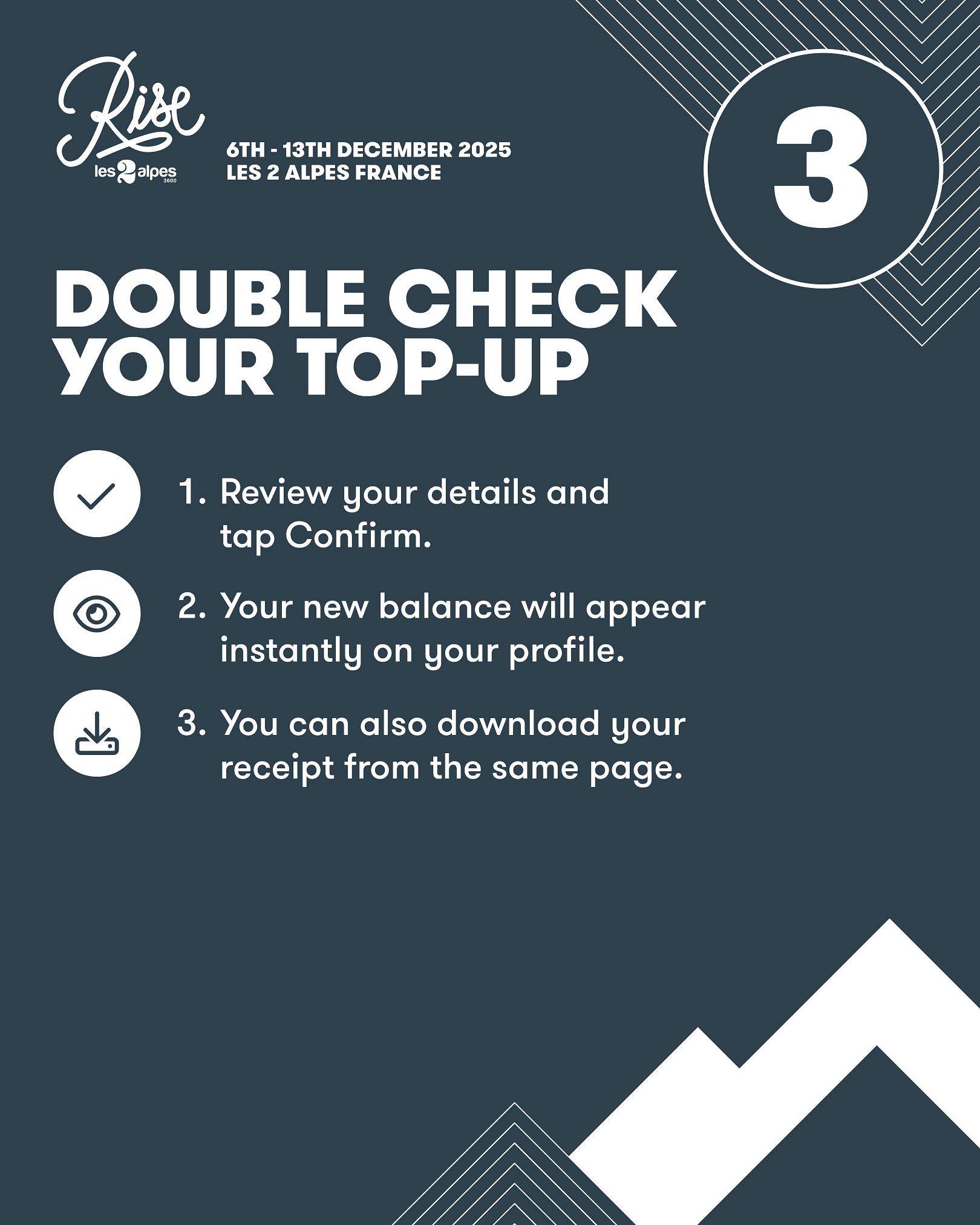
Review your top-up details
Tap “Confirm” and complete the payment
After you’ve topped up, you will be able to see the transaction on your profile (on the same site). From here, you can download the receipt if needed.
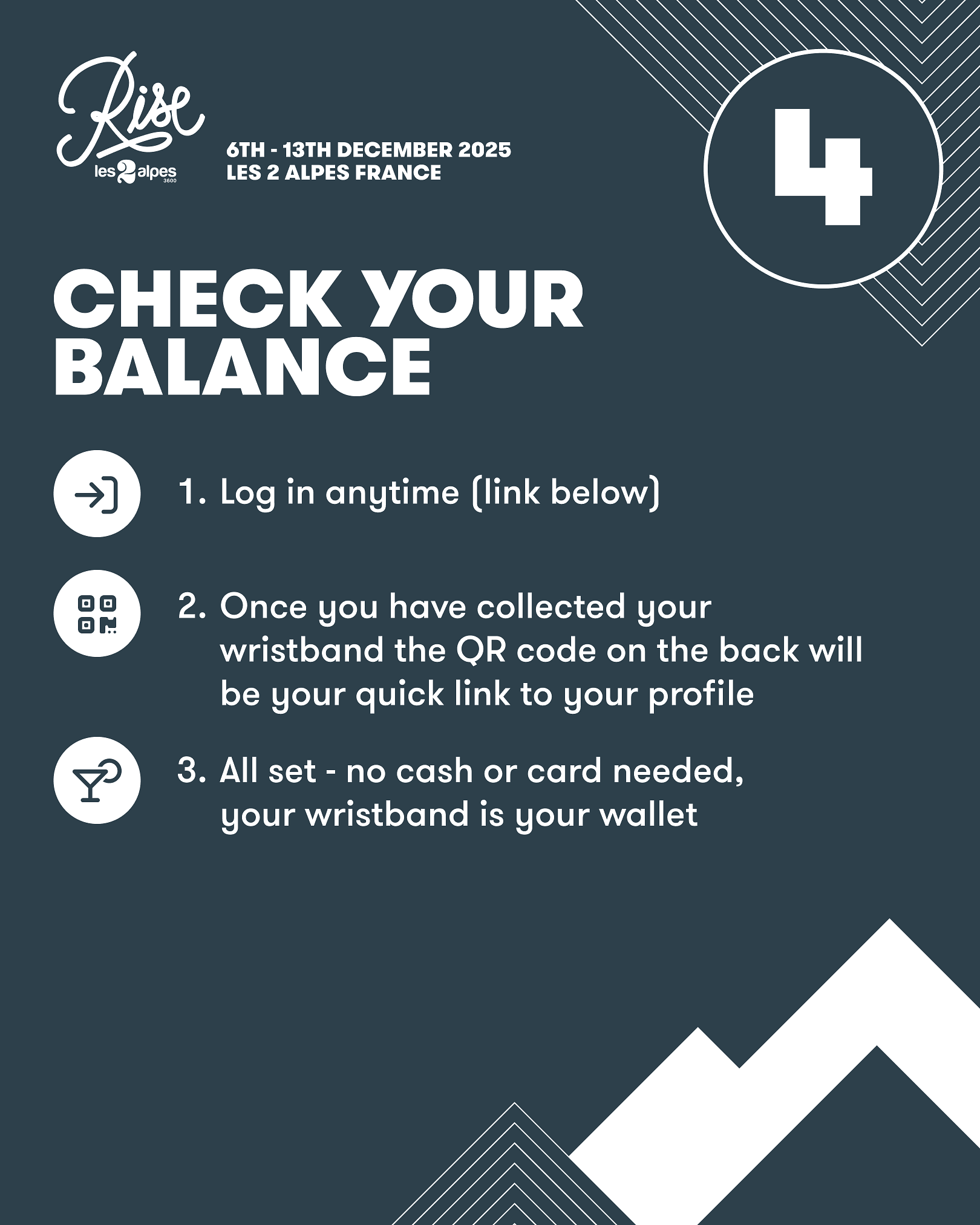
Step 4: Check Your Balance
Log in anytime here
Or check at a ‘Top-Up Portal’ on-site at the event
You will have multiple choices when at Rise, you can either
- Scan the QR code on your wristband to top up!
- Visit the top up portal and enter your bar code
- Head to one of the Kiosk machines to pay via card
If you do not spend the full top-up value, you will be able to claim a refund for the remaining balance. Please see below for information regarding refunds:
Refund Policy:
• A €2.50 processing fee will be deducted from all refunds.
• If you do not spend the full top-up value, you will be able to claim a refund for the remaining balance.
Refunds must be claimed between Tuesday 16th December 09:00 and Friday 26th December 23:59 CET following the event.
• The deadline to submit refund requests is Friday 26th December 23:59 CET, After this period, you will be unable to claim any refunds
• All refunds will be processed 5-7 working days after the refund period ends, however it can take a little longer depending on your bank.
• Promotional top-up incentives or free credits are not eligible for a refund.
Example:
Balance: €15.00 → ✅ €15.00 - €2.50 = €12.50 refunded.